eCommerce Platforms Compared: How to Choose
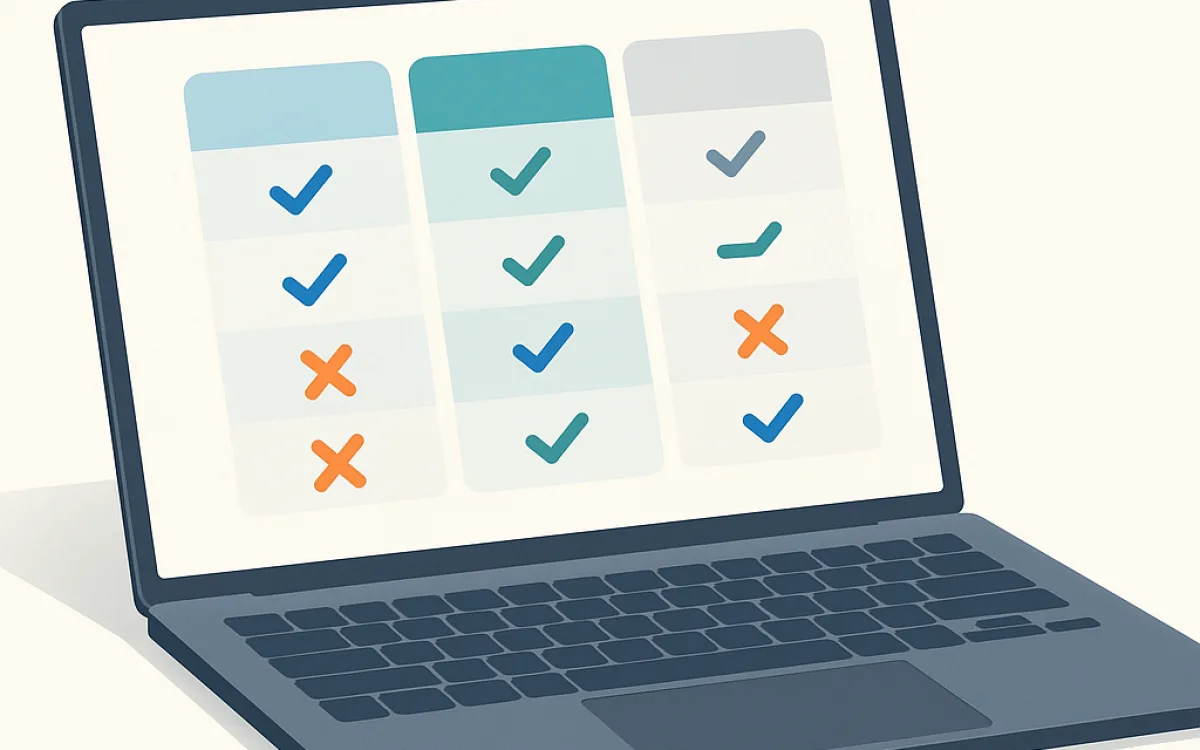
Platform comparisons date fast because features change every quarter. What does not change is the set of questions that decide which category of platform fits, and the trade-offs each category makes.
This guide compares the categories rather than the brands, and gives the questions that narrow the choice quickly.
The four categories#
Almost every option falls into one of these, and the category decides more than the brand within it.
| Category | You manage | Fits |
|---|---|---|
| Hosted SaaS | Content and operations only | Most small and mid-sized stores |
| Self-hosted open source | Everything: hosting, updates, security | Unusual requirements, in-house capability |
| CMS plugin (e.g. a shop plugin) | The whole stack, lightly | Content-led sites with a modest catalogue |
| Headless commerce | The front-end, and the integration layer | Multiple channels, custom experiences, larger teams |
The questions that actually narrow it#
Answer these before looking at any feature list. Most of them eliminate whole categories rather than individual products.
- How complex is a single product? Variants, configurable options and per-customer pricing rule out the simplest tools.
- How many markets? Multiple tax regimes and currencies are where cheap platforms become expensive.
- What must it integrate with? An existing ERP or accounting system is usually the deciding constraint.
- Who runs it day to day? A platform requiring a developer for routine changes is the wrong fit for a two-person business.
- What is the realistic order volume in two years? Transaction fees scale in a way monthly fees do not.
- What happens if you leave? Ask how you export products, customers and orders before you sign anything.
The exit question is the one nobody asks and the one that hurts most later. A platform with poor export tooling is a decision you cannot revisit cheaply.
Total cost, not licence cost#
Hosted platforms look expensive on the subscription line and often cheaper overall once hosting, security and maintenance are counted. Self-hosted looks free and is not.
| Cost line | Hosted SaaS | Self-hosted |
|---|---|---|
| Subscription | Monthly, tiered by volume | None |
| Transaction fee | Often a percentage on top of payment fees | Payment fees only |
| Hosting | Included | Yours, and a store needs real resources |
| Security and PCI | Largely handled | Yours, including scope |
| Updates | Automatic | Yours, and can break customisations |
| Apps and extensions | Monthly per app, adds up quickly | Usually one-off or free, plus your time |
| Developer time | Lower for routine work | Higher, ongoing |
Where each category breaks#
Knowing the failure mode is more useful than knowing the feature list, because you will meet it in year two rather than in the demo.
- Hosted SaaS: a checkout requirement the platform will not allow, or app subscriptions quietly exceeding the platform fee.
- Self-hosted: nobody applies the security updates, and the store is compromised or falls badly behind.
- CMS plugin: catalogue growth degrades performance, and the site was never built for commerce-scale queries.
- Headless: the front-end team becomes a bottleneck for changes the marketing team used to make themselves.
Almost every one of these is an operational failure rather than a technical one. Choose the platform your organisation can actually run, not the most capable one.
Frequently asked questions
Is open source cheaper than a hosted platform?
Rarely, once you count hosting, security patching, developer time and the cost of an incident. It is cheaper when you have in-house capability that would otherwise be idle, or when you have requirements a hosted platform refuses. Comparing the subscription line to zero is the mistake that makes it look obvious.
Can I move platforms later?
Yes, and it is a full project — typically 30–50% of the cost of a new build once catalogue migration, URL mapping and integration rework are counted. That is why the export question belongs in the selection process. Products usually export cleanly; customers and order history are where it gets difficult.
What about headless commerce?
It is genuinely useful when you sell across several channels or need a front-end the platform cannot produce, and it is significant extra complexity otherwise: you own the front-end, the integration layer and their deployment. For a single-channel store with a normal catalogue it usually buys flexibility you will not spend.
Which platform is best for SEO?
They are broadly comparable now — the differences are in how much control you have over URLs, canonicals and metadata, and in front-end performance. What matters more is whether your implementation handles faceted navigation, pagination and product URL stability properly, and that is a build decision on every platform.
ecommerce platformsbest ecommerce platformshopify vs woocommerceheadless commerceonline store platformecommerce comparison