Website Monitoring: Knowing Before Your Customers Do
Uptime monitoring answers one question: does the homepage respond? Most real failures are quieter than that. The site is up and the contact form has been failing for three weeks, or checkout works for everyone except customers using one payment method.
This guide covers what to monitor, how to set thresholds that mean something, and how to keep alerts credible.
Beyond "is it up"#
The failures that cost money are usually partial. Monitor the outcomes you care about, not only the server responding.
| Monitor | Catches | Frequency |
|---|---|---|
| HTTP uptime | Server down, DNS failure | Every 1–5 minutes |
| Transaction check | Broken form, broken checkout | Every 15–60 minutes |
| Error rate | Exceptions rising after a deploy | Continuous |
| Certificate expiry | The classic Sunday-morning outage | Daily, alert 30 days out |
| Domain expiry | The worst possible outage | Daily, alert 60 days out |
| Core Web Vitals | Slow degradation nobody notices | Weekly |
| Search Console coverage | Pages dropping out of the index | Weekly |
| Disk and database size | Silent growth into a hard limit | Daily |
| Backup success | Backups that stopped running months ago | Daily |
A synthetic transaction that submits a real form to a test address is the single highest-value monitor for most business sites. Broken forms are invisible and expensive.
Setting thresholds that mean something#
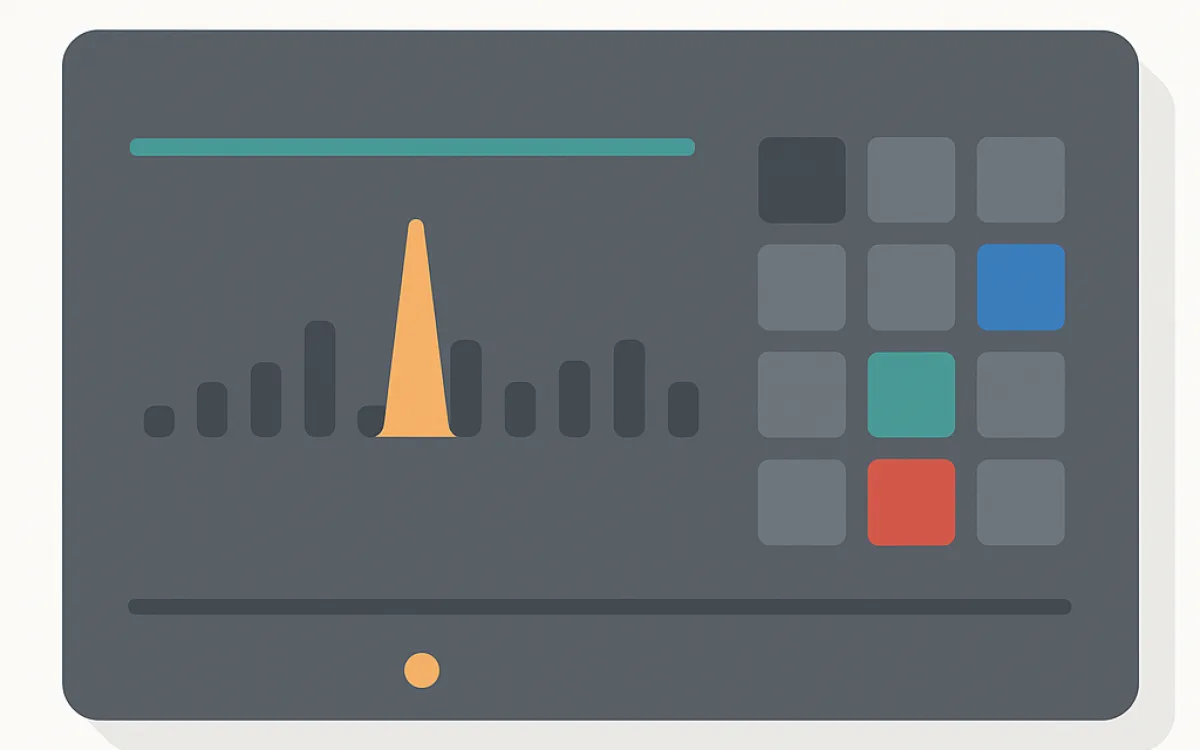
A monitor that alerts on every blip trains people to ignore it, and then it does not work when it matters. Thresholds should reflect what would actually make you act.
- Require two or three consecutive failures before alerting, from more than one location.
- Alert on error rate rather than on individual errors — a single 500 is noise, a rate change is a signal.
- Set performance alerts on a trend over days, not on one slow measurement.
- Separate severities: site down goes to a phone; a slow page goes to a weekly summary.
- Route alerts to a person, not to a shared inbox nobody owns.
- Review every alert that fired: if it required no action, either change the threshold or delete the monitor.
What to do when an alert fires#
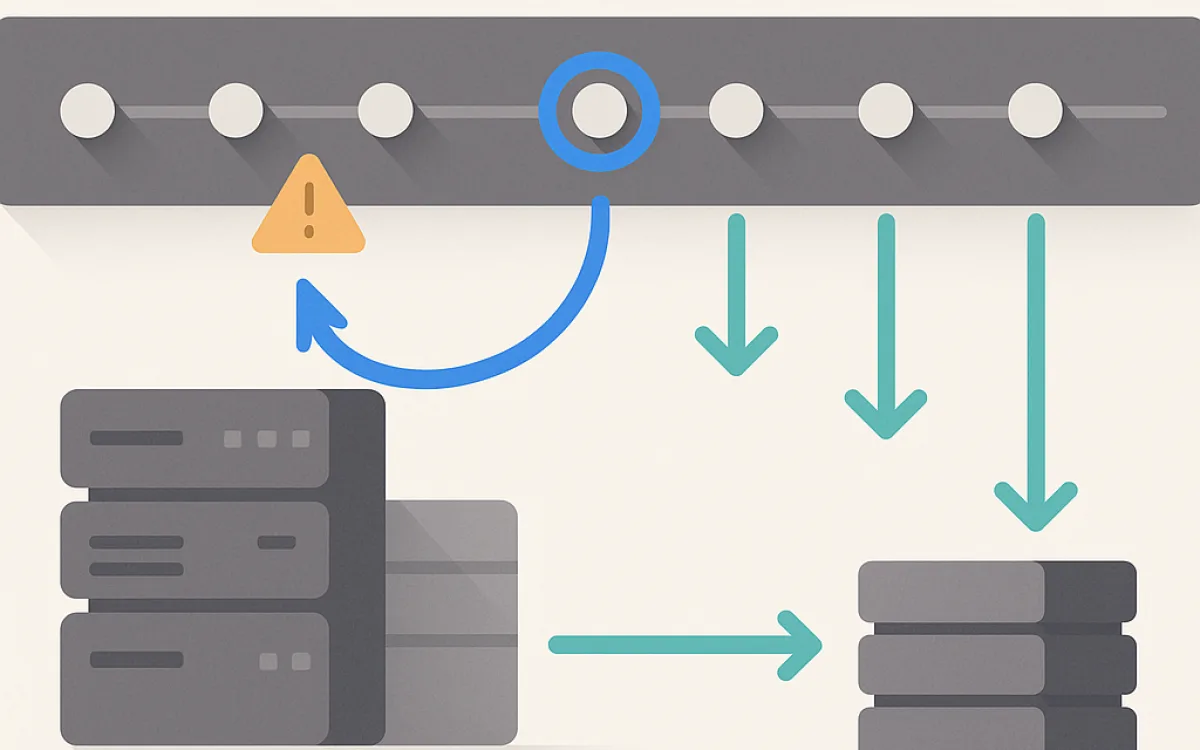
Having a written order of operations turns an incident from improvisation into a procedure, which matters most when the person on call is not the person who built the site.
- Confirm it is real: load the site yourself from a different network.
- Check the obvious first — did anything deploy, did a certificate expire, is the host reporting an incident?
- Post a status update if customers are affected. Silence is worse than bad news.
- Restore service before diagnosing. Roll back the deploy, then investigate at leisure.
- Write down what happened, why, and what would have caught it earlier.
- Add the monitor that would have caught it. That is how the list above grows correctly.
The most useful output of an incident is one new monitor and one fewer way for it to happen silently.
Sensible defaults for a small site#
You do not need an observability platform. For most business websites this set is enough and takes an afternoon to configure.
- Uptime check on the homepage and on one deep page, every five minutes, from two locations.
- A synthetic form submission daily, to an address a human reads.
- Certificate and domain expiry alerts, well in advance.
- Server error alerting from the application, with a rate threshold.
- A weekly email with Core Web Vitals and Search Console coverage.
- A daily confirmation that the backup ran and its size looks normal.
Frequently asked questions
How often should I check uptime?
Every one to five minutes is standard, from at least two geographic locations so a network problem at one monitoring node does not page you at 3am. More frequent checks rarely change the outcome, because the time to notice is small compared with the time to fix.
What uptime should I expect?
Decent shared hosting delivers around 99.9%, which is roughly nine hours of downtime a year. Managed platforms and good cloud setups reach 99.95% or better. What matters more than the number is whether the downtime is scattered minutes or a single long outage during business hours.
Are free monitoring tools sufficient?
For uptime on a small site, generally yes — the free tiers cover a handful of checks at five-minute intervals. What free tiers usually lack is synthetic transactions and multi-step checks, which is exactly where the valuable monitoring is. Budget a small amount for those specifically.
How do I avoid alert fatigue?
Delete monitors that have never required action, require multiple consecutive failures before alerting, and separate urgent from informational routing. Then review fired alerts monthly. An alert channel people mute is worse than no alerting, because it creates the belief that someone is watching.
website monitoringuptime monitoringsynthetic monitoringerror trackingincident responsewebsite alerts