The Website Development Tools That Actually Matter
Tool lists date quickly and rarely help someone commissioning a website. What lasts is the set of *categories* a competent project uses, and what their absence tells you about how the project will go.
This guide covers the tooling categories that matter, what each one prevents, and the questions that reveal whether a developer works this way.
The non-negotiable categories#
These are not preferences. A project without them accumulates risk that surfaces at the worst moment — usually when something breaks and nobody can tell what changed.
| Category | What it prevents | Ask |
|---|---|---|
| Version control | Lost work, unexplained changes, no way to roll back | "Which repository is the code in and can I have access?" |
| Staging environment | Testing in production | "Where do I review before it is live?" |
| Automated deployment | A person hand-copying files at 6pm on a Friday | "How does a change get to production?" |
| Backups | Total loss | "How often, where to, and when did you last restore one?" |
| Error monitoring | Silent failures nobody notices for weeks | "How do you find out something broke?" |
| Uptime monitoring | Finding out from a customer | "Who is alerted when the site is down?" |
| Dependency updates | Known vulnerabilities left in place | "How are security updates applied?" |
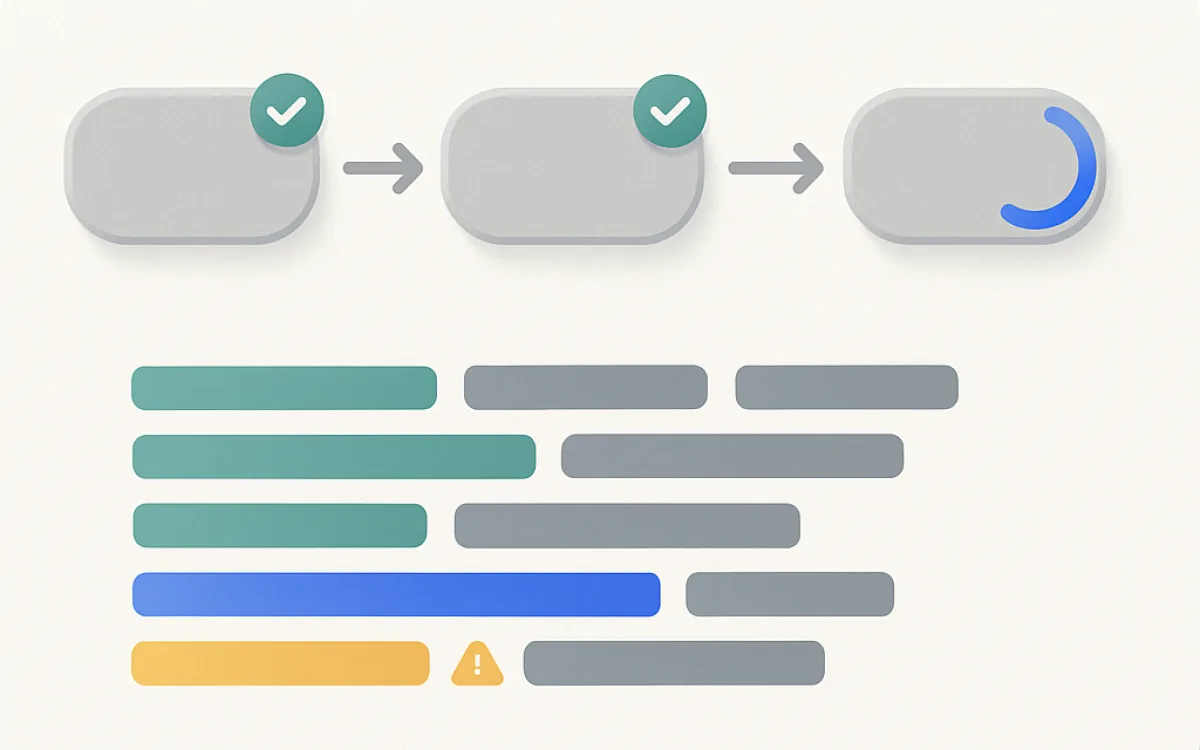
The strongest single signal is the answer to "how does a change get to production?". If it involves dragging files into an FTP client, everything else on this list is probably missing too.
Build and front-end tooling#
This is where fashion moves fastest and where it matters least to you as a client. What matters is the outcome, not the tool that produced it.
- A build step that minifies, bundles and optimises assets — page weight is a conversion problem, not a purity problem.
- Image pipeline producing modern formats and multiple sizes automatically. Hand-exported images are never kept up to date.
- A CSS approach with a system — variables, tokens, whatever the naming — rather than accumulating one-off rules.
- Only the JavaScript the page needs. A framework is a legitimate choice for an application and usually overhead for a brochure site.
- Browser support defined in writing. "Modern browsers" is not a specification.
Testing and quality tooling#
Full automated test suites are rarely justified on a marketing site. A small amount of automation on the paths that cost money is almost always justified.
- Automated checks on the critical paths only: checkout, sign-up, the main contact form.
- A performance budget checked automatically — a number that fails a build, not a hope.
- Automated accessibility scanning in the pipeline, knowing it catches about a third of issues.
- Cross-browser checks on the browsers your analytics actually shows, not a list of everything.
- A staging content set that mirrors real content lengths, including the awkward ones.
A performance budget is the highest-value automation for a content site: without one, page weight rises quietly every month and nobody is responsible.
What you should have access to#
Regardless of which tools the developer prefers, these accounts should be in your name from the first day. It is far easier to arrange at kickoff than after a relationship has ended.
- Domain registrar — in your organisation’s name, with your billing details.
- Hosting account, with the developer added as a user rather than as the owner.
- Code repository, with your organisation as owner.
- Analytics and Search Console properties.
- Any third-party service the site depends on: payment, email, CDN, error monitoring.
- A written list of these, kept somewhere your team can find it.
Frequently asked questions
Do I need to understand these tools?
No, but you should ask whether they exist and who has access. The questions in the table above are answerable in a sentence each by any competent developer, and hesitation on the deployment and backup questions is a genuine signal rather than a matter of style.
Is a JavaScript framework necessary?
For a web application, usually yes. For a marketing or content site, usually not — and it often costs performance for no benefit, because the browser has to download and execute a framework before showing text that could have been in the HTML. The right question is what problem it solves on your site, and "it is what we use" is not an answer.
What is a performance budget?
An agreed limit — for example, under 200KB of JavaScript and Largest Contentful Paint under 2.5 seconds on the main templates — that is checked automatically and fails the build when exceeded. It works because it converts performance from something everyone agrees is important into something that blocks a deploy.
How do I know if the site is being maintained?
Ask for a monthly note: what was updated, what was patched, what the uptime was, and any errors that came up. If a maintenance retainer produces no report, it is difficult to tell the difference between careful maintenance and none, and you usually find out during an incident.
website development toolsweb development stackversion controlstaging environmentperformance budgetdeployment pipeline