How Does Website Development Work? The Full Process
From the outside, website development can look like a long silence followed by a finished site. In practice it is a sequence of environments, checkpoints and decisions, and the client side has obligations at nearly every one of them.
This guide covers how a project actually runs, what you will be asked for and when, and the checkpoints where a problem is still cheap to fix.
Environments: where the site lives before it is live#
Almost every professional project runs three copies of the site. Knowing which one you are looking at prevents a large amount of confusion during review.
| Environment | Who uses it | Purpose |
|---|---|---|
| Local | The developer | Day-to-day work; you never see this |
| Staging | You and the developer | Review, testing and sign-off — blocked from search engines |
| Production | Visitors | The live site |
Content added on staging does not automatically appear on production unless the project is set up to migrate it. Ask early, because typing 200 products twice is a real risk.
The sequence of a typical build#
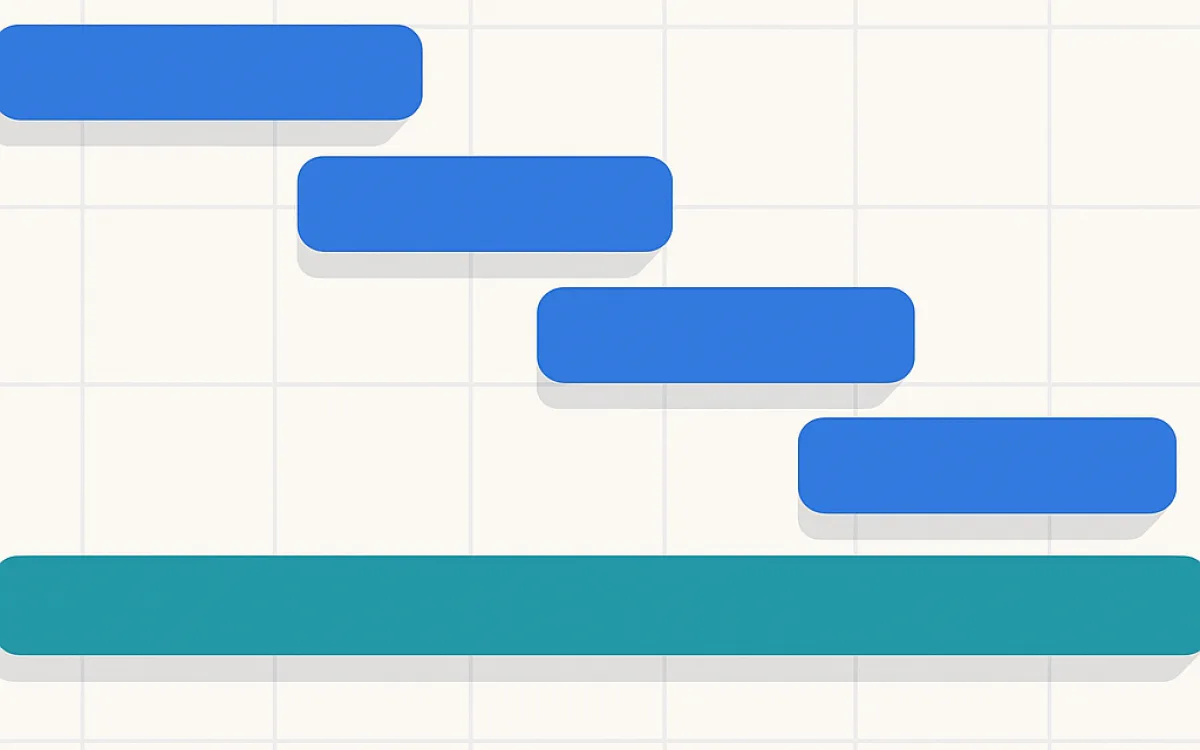
Names differ between teams, but the order is fairly consistent because each step depends on the one before it.
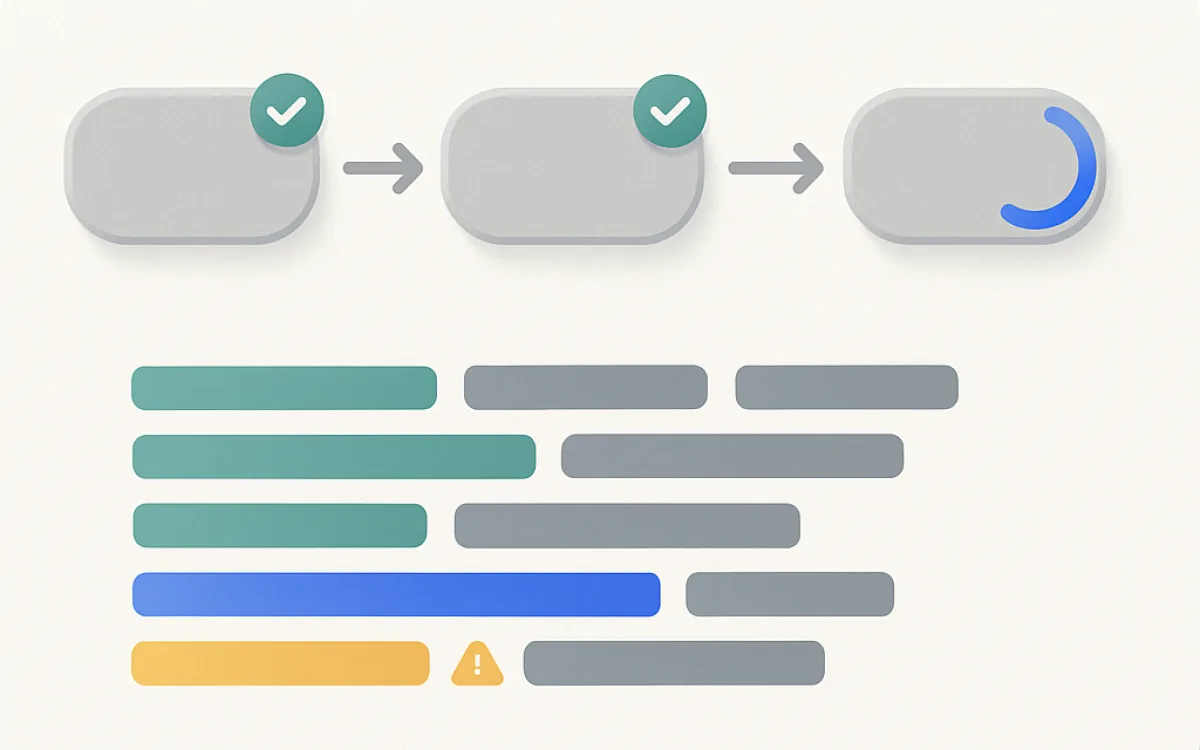
- Kickoff. Requirements confirmed, access granted, contacts named, dates agreed.
- Setup. Repository, environments, CMS or framework installed, deployment pipeline.
- Templates. The design becomes working templates, usually most complex first.
- Content modelling. Fields and content types so your team can edit without breaking layouts.
- Integrations. Payment, CRM, email, analytics — each needs credentials from you.
- Content entry. Yours or theirs, depending on what the quote said.
- Testing. Functional, cross-browser, performance, accessibility.
- Pre-launch checks. Redirects, robots, sitemap, analytics, backups.
- Launch. DNS change, verification, monitoring.
- Post-launch. Fixes, handover, training, then maintenance.
What your side has to deliver, and when#
Most delays that look like developer delays are waiting-on-client delays. These are the items to have ready before they are asked for, because each one blocks work when it is late.
| You provide | Needed by | If it is late |
|---|---|---|
| Domain and DNS access | Setup | Launch cannot be scheduled |
| Brand assets and logo files | Templates | Placeholder branding through review |
| Page content and images | Content entry | The most common cause of a missed launch date |
| Product data | Content entry | Store build stalls entirely |
| Third-party credentials | Integrations | Integration work is blocked mid-sprint |
| Feedback on each review | Every checkpoint | Rework, because the build has moved on |
| Legal pages | Pre-launch | Launch delayed for a privacy policy |
Checkpoints where a problem is still cheap#
Cost of change rises sharply through a project. These are the moments to look properly rather than skim, because after each one the same change costs several times more.
- After wireframes: structure and priority are still free to change.
- After the first template is built: this is where you find out whether the design survives real content.
- After content modelling: try editing a page yourself. If it is awkward now, it will be awkward for years.
- After the first integration: confirm the data lands where your team actually works.
- On staging with real content: the last point at which layout problems are cheap.
- Before DNS change: redirects, analytics and forms verified.
Reviewing on a phone is not optional. Most sites get most of their traffic from phones, and desktop-only review is how mobile problems reach production.
Frequently asked questions
How much of my time will the project take?
More than most people budget. Expect a weekly checkpoint of thirty to sixty minutes, plus content work that is measured in days rather than hours. The single biggest predictor of a project finishing on time is whether the client side has one person with the authority to decide and the time to review.
What is a sprint and do I need to care?
A sprint is a fixed period — usually one or two weeks — in which an agreed set of work is completed and shown to you. You care about it because it defines the rhythm of decisions: feedback given during a sprint is cheap, and feedback given three sprints later is rework. If your developer does not work in sprints, you still want a regular checkpoint for the same reason.
Can I see progress before the site is finished?
Yes, and you should. Ask for staging access from the first template onwards. Seeing partial work is uncomfortable but it is far better than a reveal at the end, when structural feedback is expensive. Expect it to look unfinished — that is the point of looking early.
What happens immediately after launch?
A short period — commonly two to four weeks — where small fixes are covered, then a transition to a maintenance arrangement or to nothing at all. Agree in advance which it is, what counts as a fix versus a new request, and who to contact out of hours if the site goes down. "We will sort it out later" is how sites end up unmaintained.
how does website development workwebsite development processweb development stagesstaging environmentwebsite project managementwebsite build timeline