Do You Need a Design System for Your Website?
A design system is a set of reusable components and the rules for using them. On a large site with several people making changes it removes a great deal of duplicated decision-making. On a five-page brochure site it is a cost with no return.
This guide covers where the line is, what a minimum useful system actually contains, and what to do instead when a full system is not justified.
When it pays and when it does not#
The value comes from repetition: the same decision made once instead of forty times, and consistently. If the repetition is not there, neither is the value.
| Situation | Verdict |
|---|---|
| Five-page brochure site, one designer, rare changes | No — a style guide page is enough |
| One site, several templates, occasional content changes | Light: tokens and a component sheet |
| Site plus app sharing a brand | Yes — the shared surface is where drift happens |
| Several sites in one organisation | Yes — this is the strongest case |
| Frequent A/B testing and campaign pages | Yes — speed of assembly is the payoff |
| Rebuild planned within a year | Not yet — build the system with the rebuild |
The minimum useful system#
Most of the benefit comes from a small core. You can build this in days, not months, and it is enough for most websites that need one at all.
- Tokens: colour, type scale, spacing scale, radii, shadows, breakpoints — named, not hard-coded numbers.
- Typography: heading levels and body styles with their responsive behaviour.
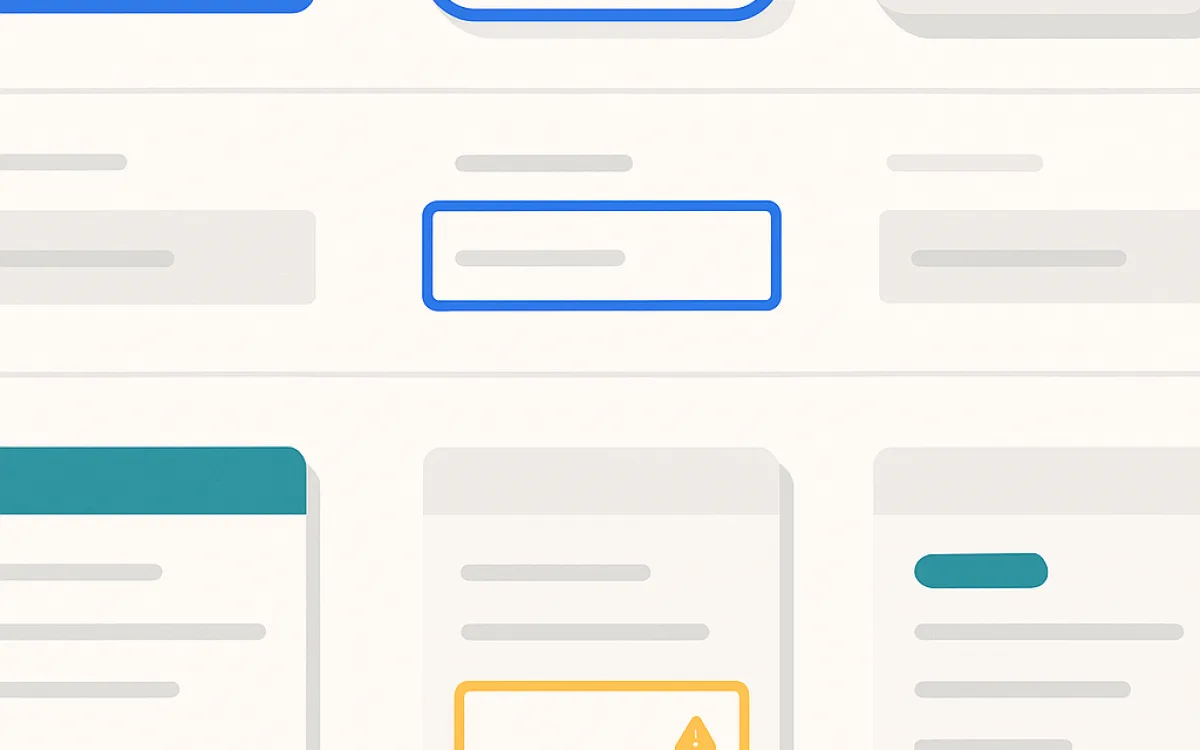
- Buttons and links: every state — default, hover, focus, active, disabled, loading.
- Form controls: input, select, textarea, checkbox, radio, plus error and hint styles.
- Cards and lists: the two or three repeating content containers your site actually uses.
- Navigation: header, footer, breadcrumb, pagination.
- Feedback: empty state, error state, loading state, success message.
States are the part that gets skipped and the part that matters most. A component defined only in its default state hands every edge case back to whoever is implementing it.
The maintenance cost nobody budgets#
A design system is a product with users, and it needs an owner. Without one it drifts: the site gains components the system does not have, the system keeps components nothing uses, and after a year people work around it rather than with it.
- Someone owns it and decides what goes in. A system owned by a committee stops changing.
- A documented route for proposing a new component, so people extend it rather than bypass it.
- Versioning, so a change does not silently alter every page at once.
- A periodic audit of what is in the live site but not in the system — that gap is the health measure.
- Deletion. Unused components are cost, not value.
Lighter alternatives#
If the case for a full system is not there, there are cheaper steps that capture much of the consistency benefit.
| Option | Effort | Good for |
|---|---|---|
| CSS custom properties for colour, type and spacing | Hours | Any site at all — this is the floor |
| A single live style guide page in the site itself | A day | Small sites with occasional contributors |
| Component library in the CMS or template layer | Days | Content teams assembling pages |
| Established CSS framework, lightly themed | Days | Internal tools and admin screens |
| Full documented design system | Weeks to months | Multiple products or multiple teams |
A live style guide page inside the real site beats a document: it uses the same CSS, so it cannot drift from reality without visibly breaking.
Frequently asked questions
Can I use an off-the-shelf design system?
Yes, and for internal tools it is usually the right call — the branding matters little and you get accessible, tested components immediately. For a public marketing site the trade is that your site looks like every other site using the same system, so most organisations theme it heavily, at which point some of the maintenance saving disappears.
Who should own the design system?
One named person, with input from designers and developers. Shared ownership between design and engineering sounds collaborative and in practice means nobody decides, so the system stops evolving and people route around it. The owner does not have to build everything; they have to say yes and no.
What is the difference between a style guide and a design system?
A style guide documents appearance: colours, typefaces, logo usage. A design system includes that plus working components, their states, the rules for combining them, and usually the code. A style guide tells you what things look like; a design system gives you the parts and tells you when to use each one.
How do I stop it going stale?
Make it the path of least resistance and audit the gap. If using the system is slower than writing one-off CSS, people will write one-off CSS. Periodically list the components in the live site that are not in the system: a growing list means the system is not serving the people building pages, and that is a design problem in the system itself.
design systemwebsite style guidedesign tokenscomponent libraryui consistencyweb design system