CMS Migration: How to Move Without Losing Traffic
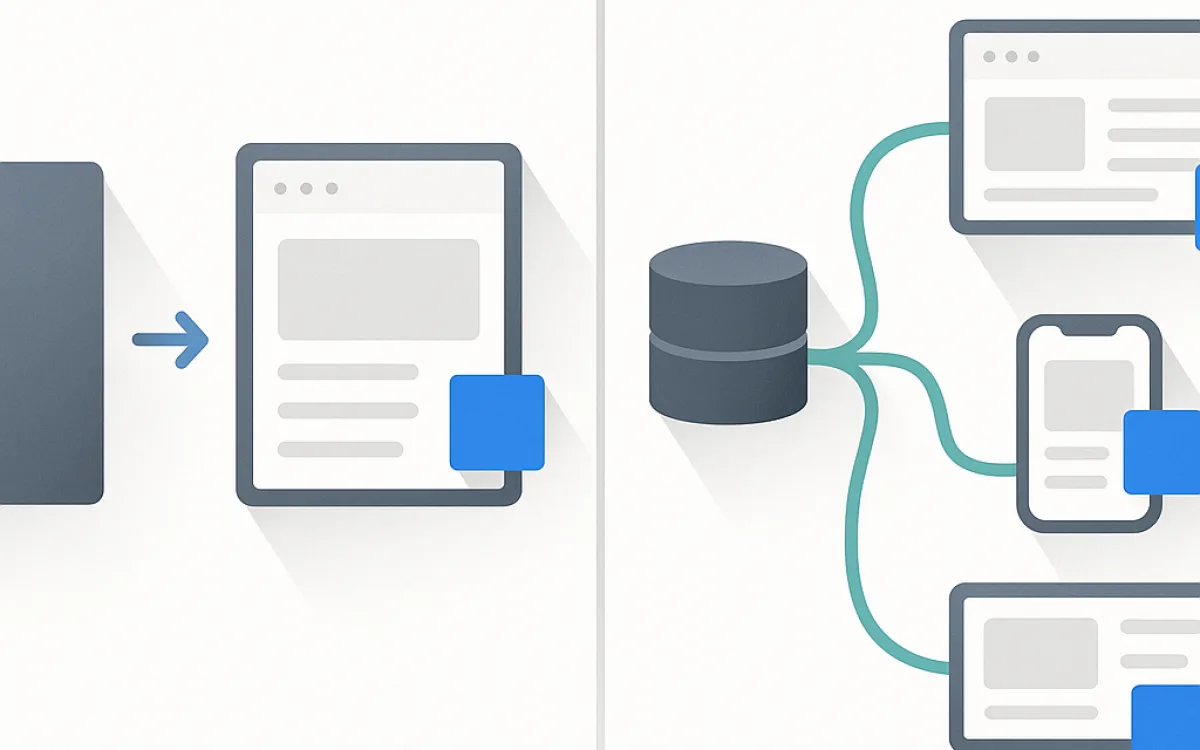
A CMS migration moves content from one system to another. The risk is not technical — exports and imports are solved problems — it is that structure, URLs and metadata change along the way, and search engines notice all three.
This guide covers the sequence that keeps traffic intact, the audit that should come first, and what to watch afterwards.
Audit before you move anything#
Migrating everything is the default and usually the wrong choice. Most sites carry a substantial tail of pages that get no traffic, have no links and serve no purpose, and moving them imports the problem into the new system.
- Crawl the existing site to get every URL that actually exists.
- Pull twelve months of traffic per URL, plus inbound links.
- Classify each page: migrate as is, rewrite, merge with another, or drop.
- Anything with traffic or links must have a destination. Everything else can go.
- Note which pages carry structured data, custom fields or unusual templates.
- Export the metadata — titles and descriptions — separately. It is the most commonly lost asset in a migration.
Merging thin pages into stronger ones during a migration is one of the few reliably positive SEO outcomes of the whole exercise. Redirect the merged ones to the survivor.
Model the content before importing it#
The temptation is to recreate the old structure exactly. That imports old compromises. Model the content as it should be, then map the old data onto it.
| Step | What to decide |
|---|---|
| Content types | What genuinely differs — page, article, product, person, event |
| Fields | Structured fields instead of one HTML blob wherever it is feasible |
| Taxonomies | Which categories and tags survive; most sites have too many |
| Media | Where files live and whether paths change |
| Authors and dates | Preserve real publication dates; do not reset them all to today |
| Metadata | Titles, descriptions and canonicals mapped explicitly |
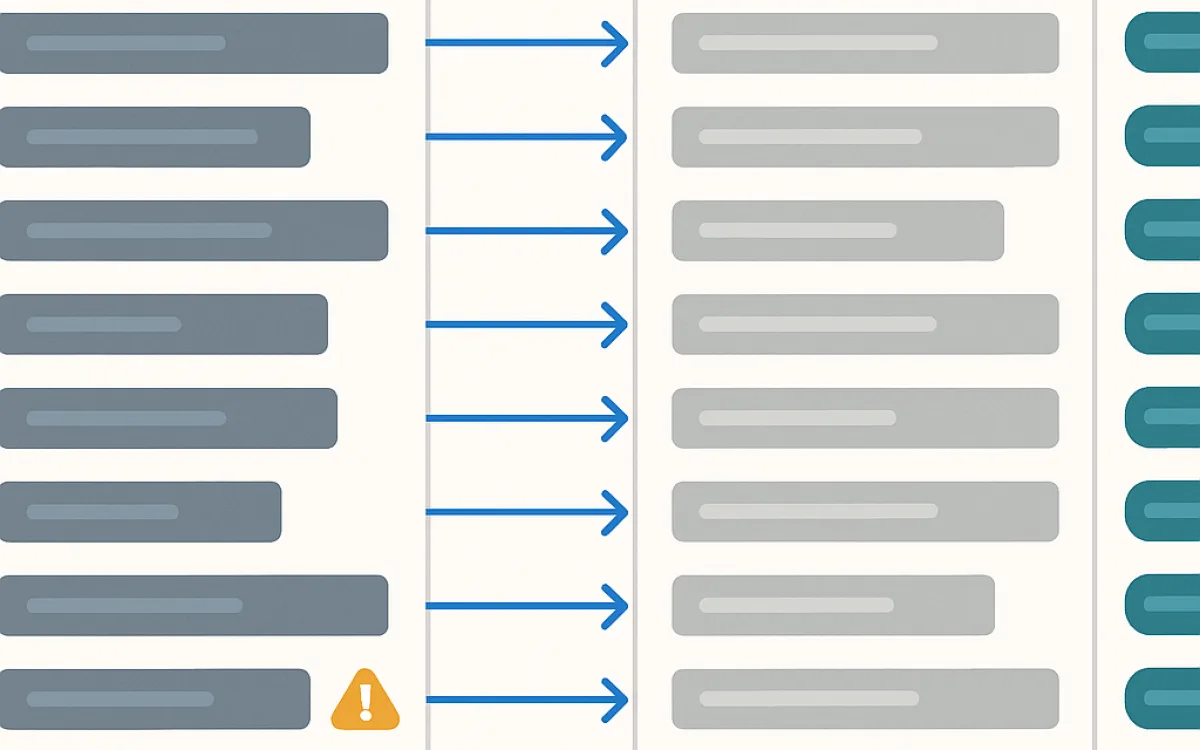
| Redirect map | Old URL to new URL, one to one, built as you go |
Resetting publication dates on import is a common accident and it destroys the freshness signal on your entire archive at once.
Preserve URLs, and redirect what you cannot#
The single biggest determinant of whether a migration costs traffic.
- Keep the existing URL structure unless it is genuinely broken. "The new CMS prefers a different pattern" is not a good enough reason.
- Where URLs must change, map one to one — never to a category page or the homepage.
- Use 301 redirects, and verify each is a single hop.
- Redirect media files too. Images accumulate links and appear in image search.
- Keep redirects indefinitely; external links are never updated.
- Test the redirect map on staging with the full list before launch, not a sample.
Launch and the six weeks after#
The migration is not finished at cutover. Most problems become visible in the following month.
- Launch when you can watch it. Not Friday, not before a holiday.
- Verify robots.txt, meta robots, canonicals and the sitemap on production immediately.
- Run the full redirect list against production and check for 404s and chains.
- Submit the new sitemap in Search Console and watch coverage daily for a week.
- Compare top pages against the previous period; a page that drops sharply usually has a specific cause.
- Watch server logs for crawler 404s — they find missed URLs faster than analytics does.
- Expect fluctuation for two to six weeks; investigate a decline that is still deepening after a month.
- Keep the old system read-only for a while, so you can check what a page used to contain.
Frequently asked questions
Will I lose search traffic when migrating?
Expect a dip of a few weeks even when everything is done correctly — search engines have to recrawl and reassess. With clean redirects and preserved content, traffic normally returns to the previous level within two to six weeks. A permanent loss almost always traces back to missed redirects, changed content, or pages that were quietly dropped.
Should I redesign at the same time?
It is tempting and it makes diagnosis much harder: when traffic moves you cannot tell whether it was the migration or the design. If you can separate them, migrate first with the existing templates, confirm stability, then redesign. If they must happen together, be more rigorous about preserving URLs and content.
How do I migrate content that does not map cleanly?
Some content always resists automation — custom layouts, embedded widgets, hand-built tables. Identify these during the audit and budget manual time for them. Trying to automate the last 5% usually costs more than doing it by hand, and produces worse results.
Should I keep the old CMS running?
Keep it accessible but not public for a few months: read-only, blocked from search engines, on an internal address. It is invaluable for checking what a page used to say when something looks wrong. Then decommission it properly — an abandoned public install is a security liability.
cms migrationwebsite migrationcontent migrationreplatformingmigration redirectsmigrate wordpress